
Adding a patient — three ways
Bring a patient into papersGP whichever way fits your workflow — referral is fastest, or add them by hand or by email.

There are three ways a patient enters papersGP. For pilot practices the quickest is a referral (REF) straight from your clinical software — but you can also add a patient by hand, or by email on the create-patient page.
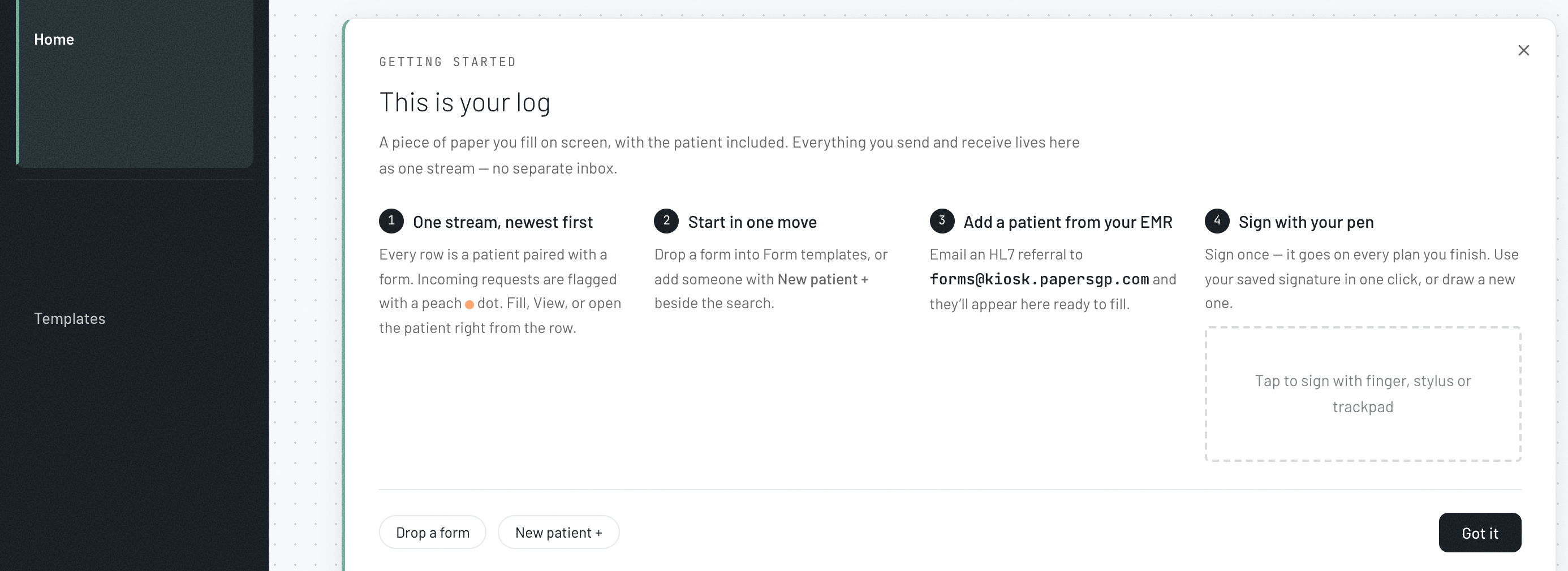
By referral (REF) — the fastest
Email the patient’s details from your clinical software to forms@kiosk.papersgp.com as a REF (not a PDF). They appear in your Home list within seconds, ready to fill — nothing re-typed. The full steps are on the Add a patient by referral sheet.
New patient, by hand
In your Home list, tap + New patient and enter their name, date of birth and mobile. They join the same list, ready to fill.
By email — the create-patient page
Open doctor.papersgp.com/create-patient, enter the patient’s email, then choose how to build the record — fill their details yourself, invite the patient to fill, or upload a FHIR file. Reachable on your pilot plan — no upgrade needed.
Scan to sign in
Open papersGP to add a patient and see your Home list.
doctor.papersgp.com/login